Mobile Safety Orientation
A subcontractor orientation needs to work on the phone a worker brings to the job trailer.
Discuss an Operational Tool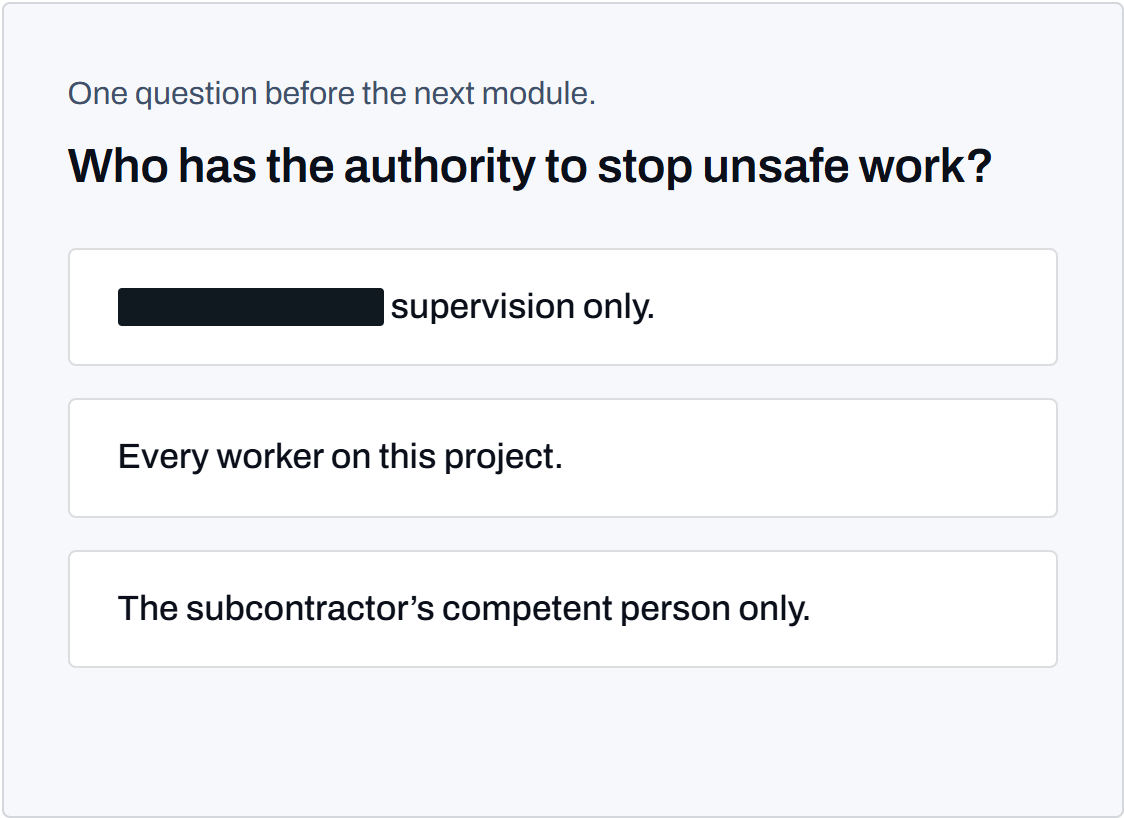
The Working Brief
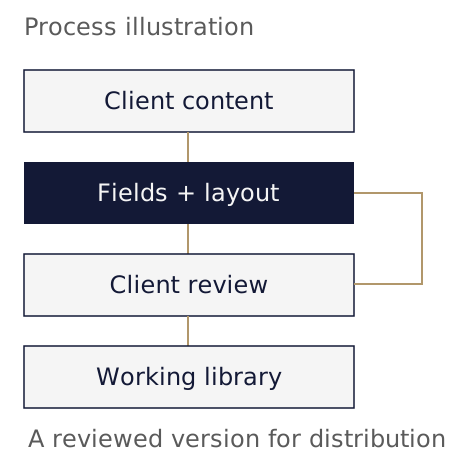
A construction client supplied a safety presentation, a subcontractor manual, general safety requirements and a site-specific plan. Workers needed to read the orientation before badging. InterSculpt converted that material into a mobile web course reached through a QR code, with a completion screen the worker could show to the superintendent.
The client owned the safety rules and their approval. InterSculpt handled the software, page design and interaction: arranging the supplied material into modules, building the comprehension checks and making the acknowledgment usable on a phone.
The course first provided an on-screen receipt while the trailer roster remained the completion record. A later client request for a report of completed orientations extended the assignment to recording submitted completions. That request exposed a distinction between finishing the page and giving the client a record it could retrieve.
Production Decisions
Source Material and Module Structure
The presentation supplied the main sequence. Supporting requirements came from the other client documents and were mapped to the relevant sections. The completed course contained nine modules with one comprehension question per module. The acknowledgment retained the client's supplied wording.
Each answer had to be supported by the text directly above it. During review, one question needed revision because two supposed wrong answers were also true under the module's rules. InterSculpt corrected the question and changed the course version. A plausible question can still be defective if its options permit several correct readings.
Delivery RecordThe source map records the client documents and module assignments. The revision record identifies the ambiguous answer options and the corrected course version.
Reading and Question Feedback
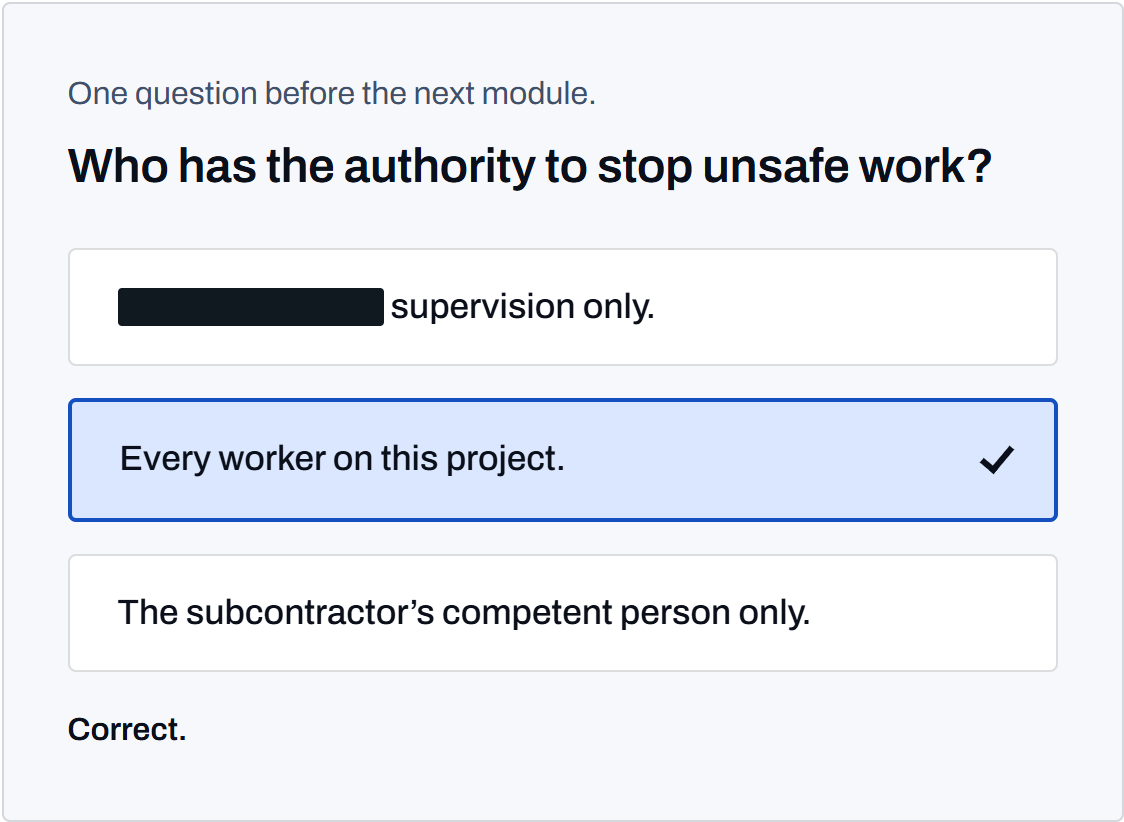
Every module's question is available immediately. The worker can select an answer without waiting for a reading interval or finishing an earlier module. A correct answer marks that module complete and enables its next control. An incorrect response directs the worker back to the module and permits another attempt, without a score or a lockout.
The interface identifies open and complete modules in words. Correct and incorrect responses also receive written feedback. This lets the worker understand what happened without relying on color alone. The current-module indicator follows the worker's reading position, while completion marks record accepted answers. The acknowledgment requires all module questions to be complete.
The checks guide a reading sequence. Their completion establishes that the page accepted the responses; it does not establish a worker's competence or certify compliance. Client safety staff retain the decisions about training requirements and permission to enter the site.
Delivery RecordThe active course behavior keeps questions selectable, marks accepted answers and requires completed modules for acknowledgment. Written feedback identifies the answer result.
Phones and Interrupted Sessions
The QR entry point opens the orientation in the worker's browser. Consecutive completed modules are restored from saved progress on the device. The saved progress contains no name or company information. Saved progress belongs to the browser and does not identify who supplied the answers.
Reading the rules remains possible when the interactive behavior fails to load. Module text and question options are already present on the page. The software adds answer feedback and progress behavior without making access to the safety content depend on those controls. A print version also exposes the modules and acknowledgment for a paper packet.
Device storage can be unavailable. In that case the worker can still read the course, but progress cannot be resumed from a saved session.
Delivery RecordThe implementation saves module completion separately from personal details and retains readable content when interactive behavior is unavailable.
Acknowledgment and Completion Record
After the questions, the worker types a name and company and confirms the acknowledgment. The receipt provides a completion code and the course details for the superintendent. Producing that receipt and recording a completion are separate operations.
When the client asked for a completion report, InterSculpt added submission of the completion details and a disclosure above the acknowledgment button. The receipt appears before the record is sent. Its status then states whether the record is being sent, was logged or failed to arrive.
A failed submission receives further attempts while the page remains open. If recording still fails, the receipt identifies the trailer roster as the record. The worker retains the completion screen, and personal information is not stored on the device for a later submission. The paper process remains available to cover that gap.
Delivery RecordThe delivery record documents the client's reporting request, the added recording behavior and verified submissions. Failure handling retains the receipt and directs staff to the roster.
The Delivered Work
InterSculpt delivered a working mobile orientation with comprehension questions, saved progress and a typed acknowledgment. The later reporting revision gave the client a completion list from submitted records. The worker's receipt remained available if recording failed, with the trailer roster covering the missing record.
Practical Lessons
- Review every answer option against the module's wording. A wrong option that is also true needs a question revision before release.
- Decide what the client needs to retrieve after completion. Specify the recording step, its status message and the process covering a failed submission.
- Keep personal details out of saved progress on shared phones. Preserve access to the rules when interactive features are unavailable.
Project Contributions
The client supplied and approved the safety requirements. InterSculpt produced the mobile course, comprehension interactions, progress behavior and completion recording.